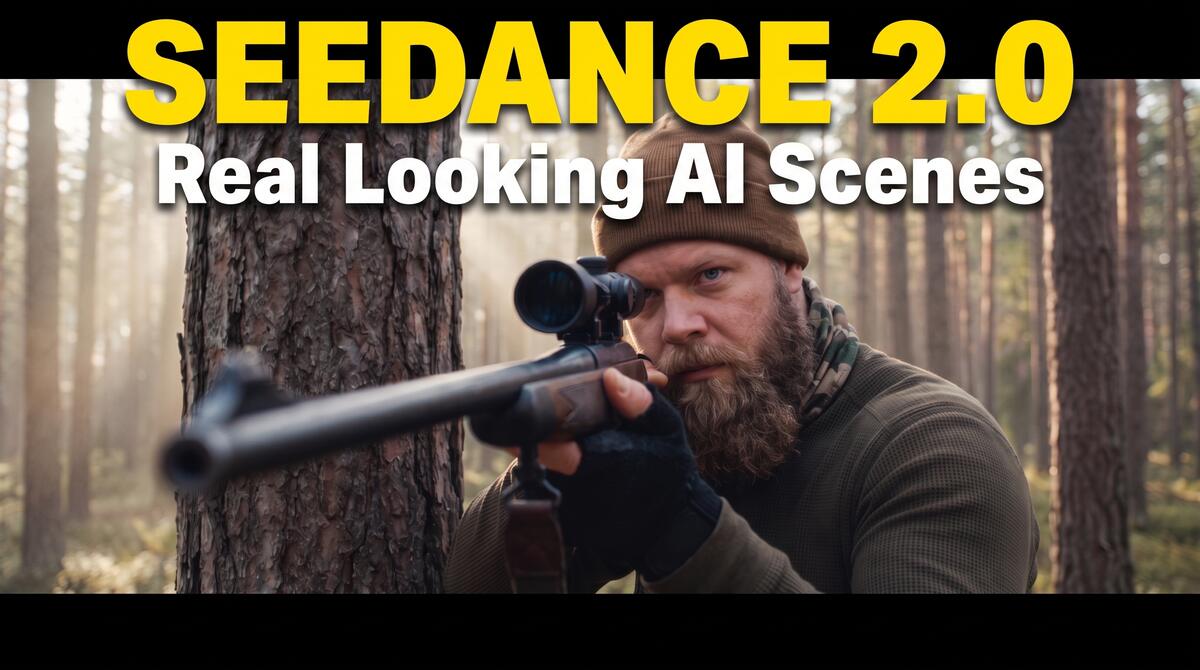
AI Scenes That Look like Real Movies – 6 Tips for Seedance 2.0
In this tutorial, we’ll be seeing six different tips which can help you make your Seedance 2.0 videos look very realistic, almost like real movies. Here’s the video:
Video Summary
The video provides tips on how to generate cinematic, hyper-realistic AI videos using tools like Seedance 2.0 (or the upcoming 2.5).
Here is a brief summary of the key takeaways:
- Avoid Storyboards: Use high-quality, single-frame images instead of multi-frame storyboards [01:04]. Storyboards give the AI too much liberty to upscale, causing an artificial “AI look” [01:11].
- Reverse-Engineer Prompts: Find a real photograph on Google with your desired composition [01:49]. Upload it to Claude to generate a highly detailed, codelike JSON prompt outlining the camera, lens, and lighting [02:46].
- Generate and Refine: Use Nano Banana Pro (via Hicksfield) over other tools like GPT Image 2 to achieve a true photographic look [03:26]. If it looks like a painting, specifically add the phrase “make this image photorealistic” to correct it [05:22].
- Maintain Context in Claude: Stick to a single chat window in Claude to manage your subsequent image and video prompts [05:44]. Because Claude cannot generate images, it provides reliable text prompts while accurately maintaining scene context [06:09].
- Keep Durations Shorter: Do not default to 15-second videos just because the tool allows it [07:23]. Shorter clips (4 to 8 seconds) leave less room for the AI to deviate from the desired look, saving time and generation credits [07:42].
- Simplify the Physics & Resolution: Avoid overly complex physics actions (like falling and running in one shot) which can degrade quality [08:46]. Furthermore, do not rely on 4K resolution for realism; true photorealism depends on proper composition and lighting, making 720p or 1080p perfectly sufficient [09:18].
Important Links