Create a CRAZY Video Ad Using Higgsfield AI Visual Effects
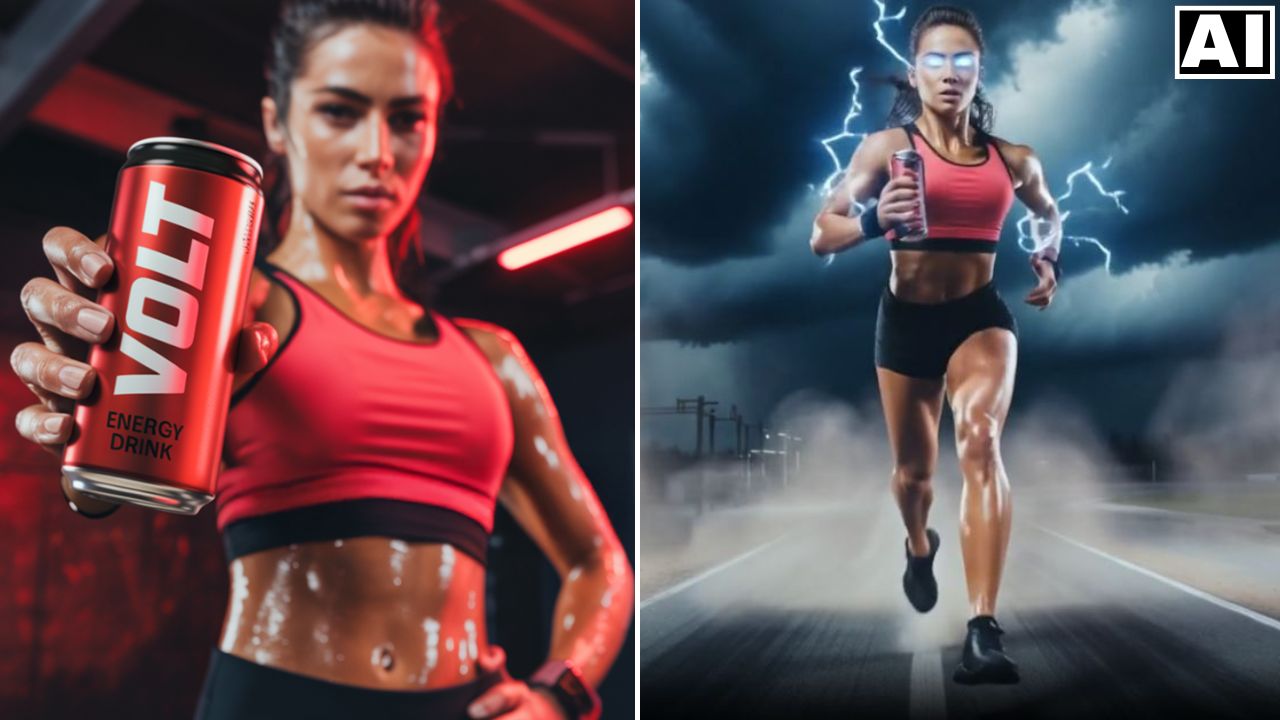
In this video we will be seeing how to use the insane visual effects in Higgsfield AI to create a video commercial for an energy drink. We will also be using other AI tools like Ideogram AI’s Magic Fill feature, ChatGPT 4o AI Image Generator and Kling AI. Here’s the video:
Video Summary
This tutorial demonstrates the creation of an intense, visual-effects-heavy video commercial for an energy drink by combining multiple AI tools, with a focus on seamless product placement and complex visual effects [00:05].
Here is a brief summary of the process:
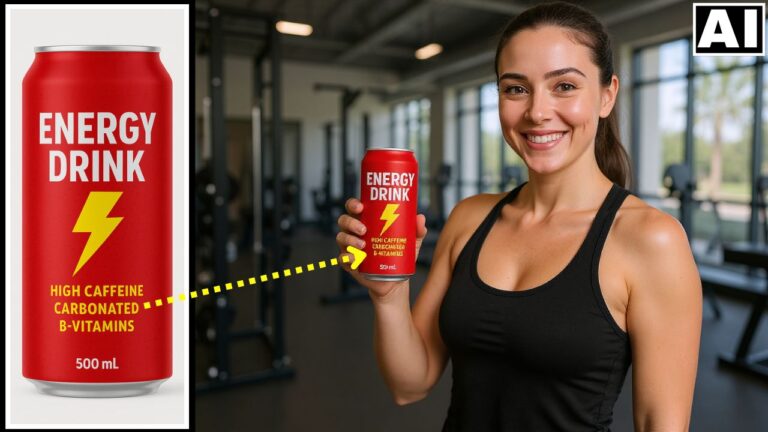
- Image Generation and Consistency: Base images (frames) for the commercial were initially created in Ideogram AI. These were then referenced in ChatGPT to generate additional scenes, such as the woman sleeping or flying, ensuring facial consistency across the frames [01:17].
- Seamless Product Placement: The critical step of replacing a generic can with a specific, branded energy drink can was executed using Ideogram AI’s Magic Fill feature [02:45]. This ensured the new product was perfectly integrated, with the AI correctly handling complex lighting and reflections [05:38].
- Complex Visual Effects (Higgsfield AI): The main “crazy” effects were generated using Higgsfield AI, which allows combining effects and custom camera motions. Key effects included:
- Final Clips and Assembly: Simpler animated clips, such as the woman waking up or smiling at the can, were generated using Kling AI [13:20]. All resulting clips were then compiled and edited in a video editor for the final result [14:14].
Important Links
Link to download the image shown in the video:
Link to Higgsfield AI – Higgsfield