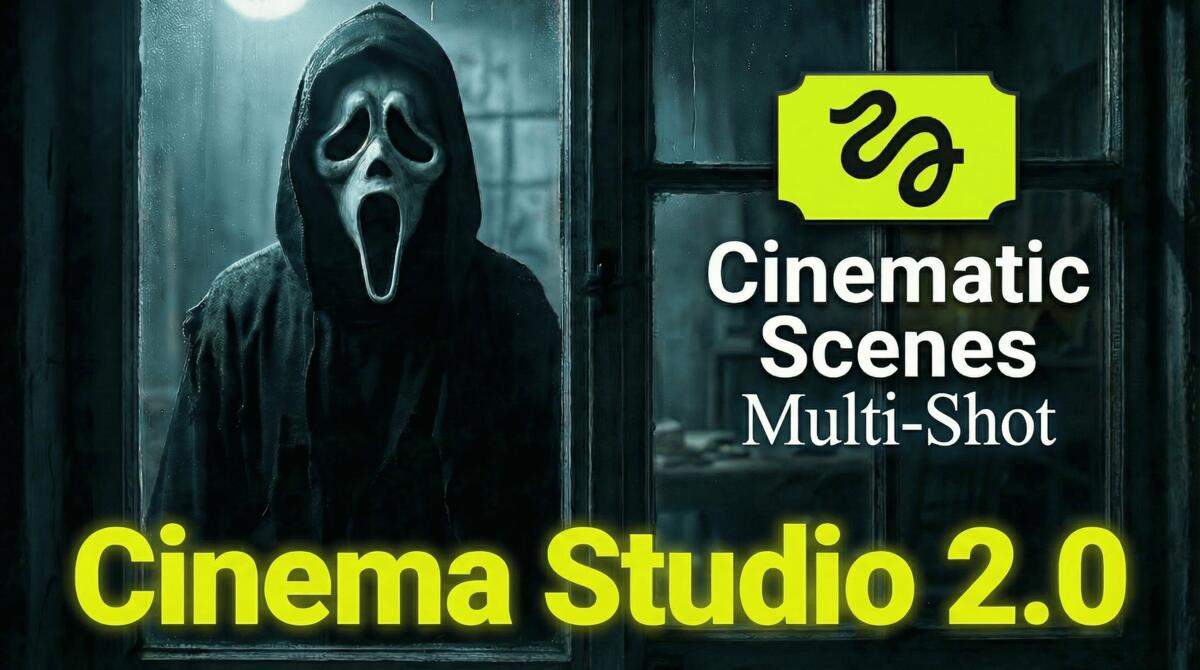
Higgsfield Cinema Studio 2.0 Full Tutorial – The Future of Film-Making
In this tutorial, we will be seeing how to use the brand new Higgsfield Cinema Studio 2.0 to create some breath-taking cinematic scenes. While no one is sure which AI model Cinema Studio uses, it looks like Kling 3.0 is behind it. We will be creating a suspense thriller scene as an example. We will be using features like elements, multi-shot, speed ramp and so much more. Here’s the video:
Video Summary
This video provides a comprehensive tutorial on Higgsfield Cinema Studio 2.0, highlighting its evolution as a streamlined tool for AI-driven filmmaking [00:00].
Core Workflow and Features
- Consistent Characters: The platform allows users to create “Elements” by uploading character images. These can be tagged in prompts to ensure a consistent appearance throughout different scenes [01:40].
- Cinematic Customization: Users can set specific camera types, lenses (e.g., 35mm), and apertures to control the depth of field and overall visual style of their starting frames [04:18].
- Manual Multi-Shot: This feature enables the creation of dynamic sequences by breaking a 12-second video into up to six segments, each with its own specific prompt and camera movement [10:19].
- Integrated Editing Tools: The workflow includes access to the Angles app, which allows users to adjust the perspective or zoom of a generated frame before processing the final video [07:20].
Observations and Technical Limits
- Timing Challenges: While the AI is proficient at visual consistency, it still faces difficulties with the precise timing of character expressions and complex non-verbal reactions [15:31].
- Duration Constraints: Multi-shot sequences are currently limited to a total length of 12 seconds [11:44].
- Audio Synchronization: Sound effects can be prompted directly, though the tutorial notes that external editing may be required to perfectly align audio with on-screen action [18:52].
The video concludes that while complex timing remains a hurdle, the tool offers a highly efficient, professional workflow for creators [20:30].
Important Links:
Our detailed video on Kling 3.0 – Click here to watch