Midjourney’s Omni-Reference Feature is a Game Changer for Consistent AI Characters
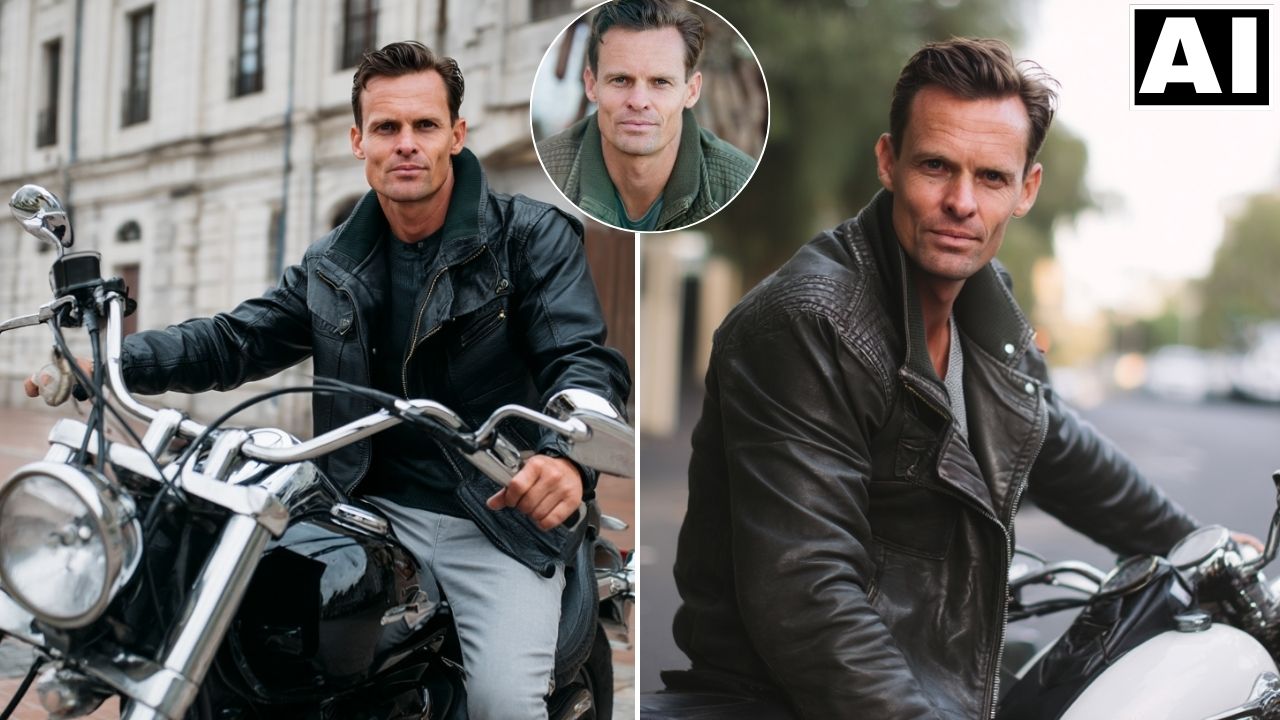
In this video we will be looking at the brand new Omni-Reference feature in Midjourney AI, which can be used to create consistent AI characters. We will be seeing a lot of examples by tweaking the different settings, the main one being Omni-Strength, which controls the weightage given to the reference image. We will also be comparing the results to ChatGPT 4o AI Image Generator. Here’s the video:
Video Summary
This video provides a tutorial on Midjourney’s brand new Omni-Reference feature, introduced in the Version 7 model. This feature is a major update designed to solve the challenge of maintaining consistent AI characters across different generated images [00:04].
Key Takeaways:
- How to Use: To activate the feature, users must ensure Midjourney is set to Version 7. You simply upload a reference image and drag it into the “Omni Reference” icon before entering your prompt [01:17].
- Omni Strength Slider: This setting determines how much weight is given to the reference image [02:04].
- High Strength (e.g., 500): Heavily prioritizes the reference image’s facial features and expressions, though it may limit the AI’s creative liberty [05:14].
- Low Strength (e.g., 25): Gives the AI more freedom to add creative elements (like different lighting or accessories) but often results in a loss of character likeness [04:13].
- Optimal Setting: The creator suggests that a strength range of 100 to 150 typically yields the best balance of consistency and quality [09:21].
- Simplified Prompting: Midjourney V7 is powerful enough to produce high-quality, realistic results with basic prompts, removing the need for overly complex descriptions [06:56].
- Comparison with Competitors: The video demonstrates that Midjourney V7 significantly outperforms ChatGPT in maintaining facial consistency and photographic realism when using the same reference image and prompt [10:15].
Overall, the Omni-Reference feature makes Midjourney a leader in the race for reliable AI character consistency [10:15].
Important Links
Link to download the image shown in the video:
For other important links to the tools shown in the video, please watch the video on YouTube app/website, since the links are in the description of the video