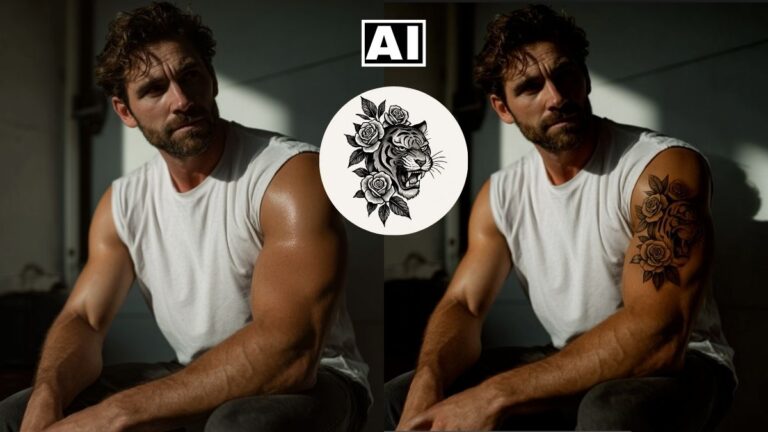
NEW Grok AI Image Editor is Better Than Google Gemini AI Editor for Portraits
In this video we will be seeing how to use the brand new Grok AI Image Editor by X, to edit a portrait by changing the background and the clothes in the image. We will discover that Grok AI can edit portraits without any content policy restrictions like the ones that come up in Google Gemini AI editor. Here’s the video:
Video Summary
This video provides a comparison between Grok 3 AI and Google Gemini 2 for portrait editing, highlighting why Grok is currently a superior choice for certain tasks.
Key Highlights & Summary
- Overcoming Restrictions: The presenter notes that Google Gemini often blocks portrait edits with “content not permitted” warnings, even for harmless prompts like changing a background to pink [01:23]. Grok 3 has significantly fewer restrictions on portraits [05:13, 08:22].
- High-Quality Edge Detection: Grok 3 excels at maintaining intricate details like hair strands when changing backgrounds, producing results comparable to skilled manual masking in Photoshop [04:32].
- Clothing and Scene Editing: The tutorial demonstrates changing a subject’s jacket to a pink suit and black tee while maintaining the original body shape [05:34].
- Maintaining Facial Consistency: While AI tools often slightly alter the subject’s face during edits [04:57], the presenter shows a workaround:
- Post-Processing: Since Grok outputs can sometimes be grainy or pixelated [07:23], the final step involves using a free upscaler like I Love IMG to sharpen the final result [07:45].
In conclusion, the video frames Grok 3 as the winner for portrait editing due to its lack of restrictive content policies and its high-quality image manipulation capabilities [08:12].
Important Links
Link to download the image shown in the video:
For other important links to the tools shown in the video, please watch the video on YouTube app/website, since the links are in the description of the video.