Secret to Creating DEEPFAKES Using GPT Image 2
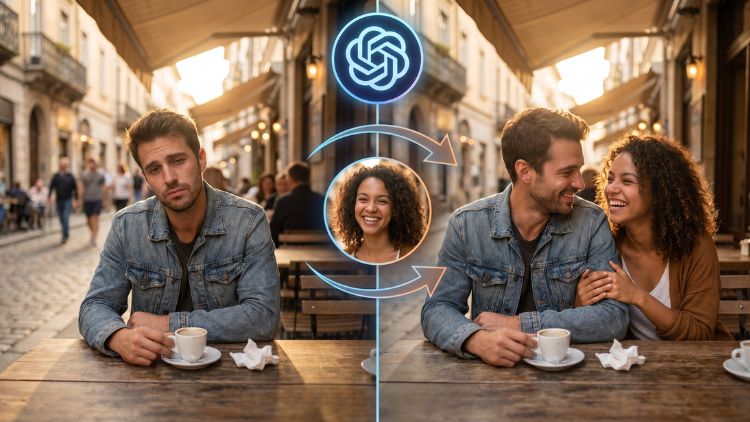
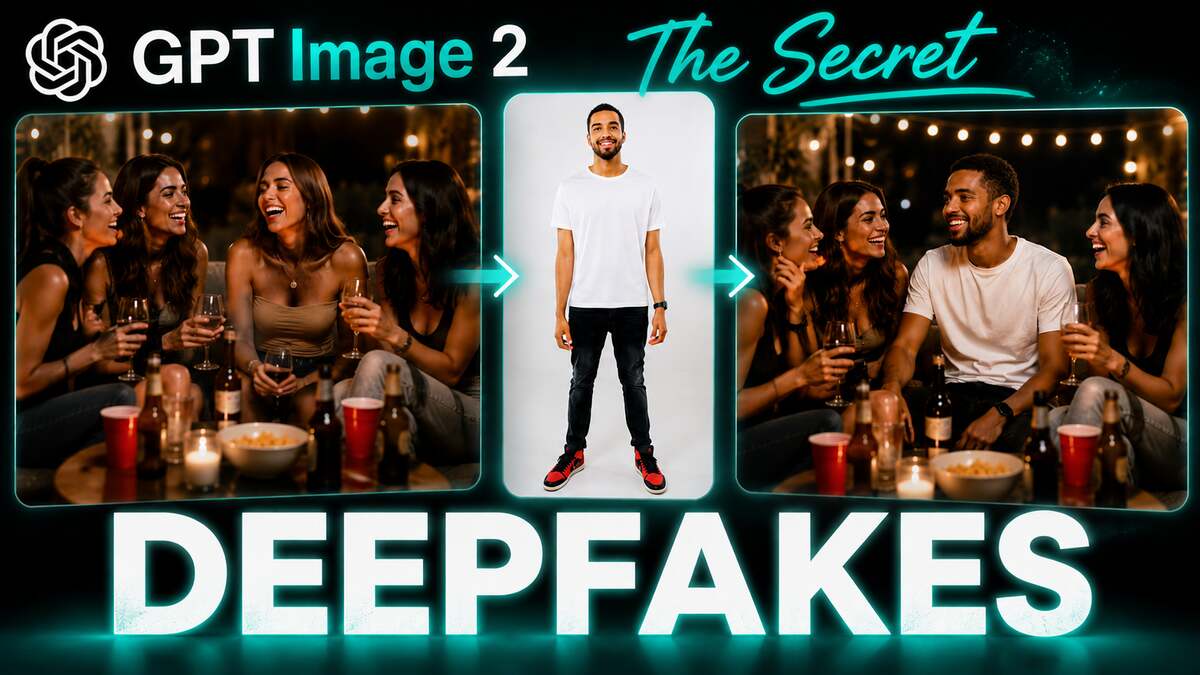
In this tutorial we will be learning the secret to creating convincing deepfake images of people using the GPT Image 2 model. There are three important points which will be shown with the help of examples. Here’s the video:
Video Summary
This video shares a clever strategy for creating highly realistic “deep fake” images using the GPT Image 2 model via ChatGPT.
Here is a summary of the core techniques discussed:
- Use the Right Model: The creator highlights that the GPT Image 2 model is far superior to alternatives for generating realistic human images [00:35]. ChatGPT allows users to create 8 to 10 of these images daily for free [02:08].
- Transplant into Real Environments: Instead of generating scenes from scratch, the “secret trick” is to use a real-life photograph of a location (like a cafe or a party) and transplant the subject into it [00:48]. This ensures the background’s lighting, texture, and style do the heavy lifting for realism [01:02], which works much better than complex prompting [04:12].
- Provide Multi-Angle Data: Rather than using a single headshot, upload multiple reference photos showing different angles and body shots so the AI accurately captures the subject’s look [01:21].
- Be Specific with Details: In the prompt, include the subject’s physical traits—such as height, weight, build, and age [02:36]. Always upload the background environment photo last so the prompt can correctly reference it [02:20].
- Mimic Smartphone Quality: To enhance authenticity, instruct the AI to generate a slightly blurry or grainy shot with a 9:16 aspect ratio to make it look like an ordinary phone photo [02:47].
Prompt Used in the Video
I want you to create a deepfake photo where this person is (what the person is doing) in the last image. The person’s height is (height), weight is (weight), build is (type of build) and age is (age). Slightly blurry and grainy shot that looks like a shot taken from an ordinary smartphone so it looks like a real life shot. (aspect ratio)