What is Mask All Objects Feature in Photoshop? – Beginners Tutorial
Welcome to this beginner’s tutorial on Photoshop’s powerful ‘Mask All Objects’ feature! In just a few clicks, this tool can automatically detect and mask every object in your image, saving you time and effort. Whether you’re editing portraits, product photos, or creative composites, this feature simplifies your workflow and gives you precise control over each element. Perfect for beginners, this tutorial will walk you through everything you need to know to get started!
This video is from our Master Selections in Photoshop Course.
Video Summary:
This tutorial reviews Photoshop’s “Mask All Objects” feature, critiquing its hype and limited practical value. The host demonstrates that while it can automatically mask multiple objects, it’s often slower and less accurate than manual selection tools. Its only realistic use case is generating a rough selection for challenging images before refining in Select and Mask.
Important Timestamps:
- 0:50 – Introduction to the “Mask All Objects” feature (right-click on layer).
- 1:11 – Demonstrating the first major drawback: the feature is very slow to process.
- 2:00 – The result: automated masks are created for every detected object.
- 2:15 – Viewing an individual mask by Ctrl/Cmd-clicking on a layer mask thumbnail.
- 3:18 – Core critique: Manual tools like Quick Selection or Object Selection are often faster and more targeted.
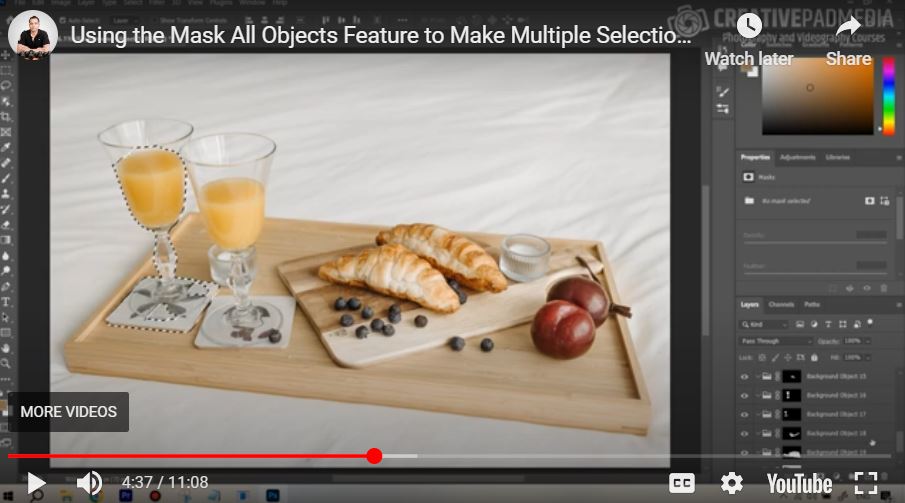
- 4:16 – Second major critique: The automated masks are often incomplete or inaccurate, requiring manual fixes.
- 5:26 – Example: Changing an object’s color is possible, but manual selection would have been quicker.
- 5:35 – Key warning about sensationalist YouTube tutorials that overhype features.
- 6:56 – The only potentially useful application: using it on a challenging image to get a better rough selection than “Select Subject”.
- 8:00 – Comparison showing “Mask All Objects” provided a better starting point than “Select Subject” for a difficult hair selection.
- 9:26 – Testing on the most challenging image from the course, showing the feature fails on complex tasks.
- 10:45 – Final verdict: In real-life editing, the feature currently has “pretty much zero value.”