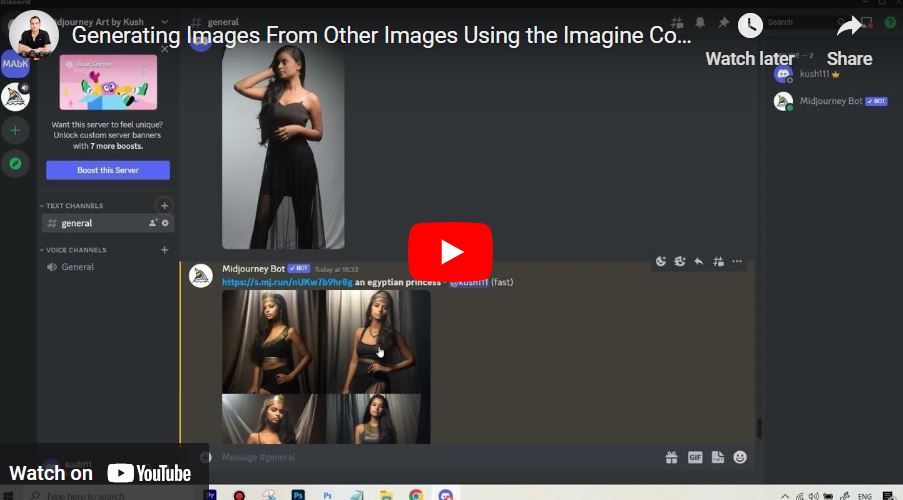
Does Midjourney Have Image to Image Generation? Yes!
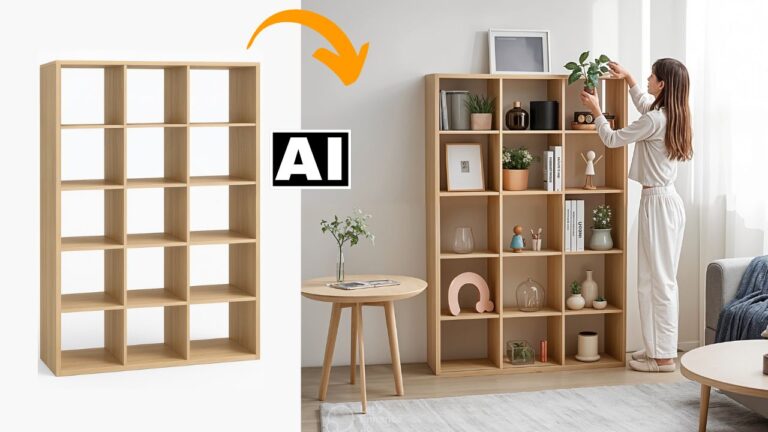
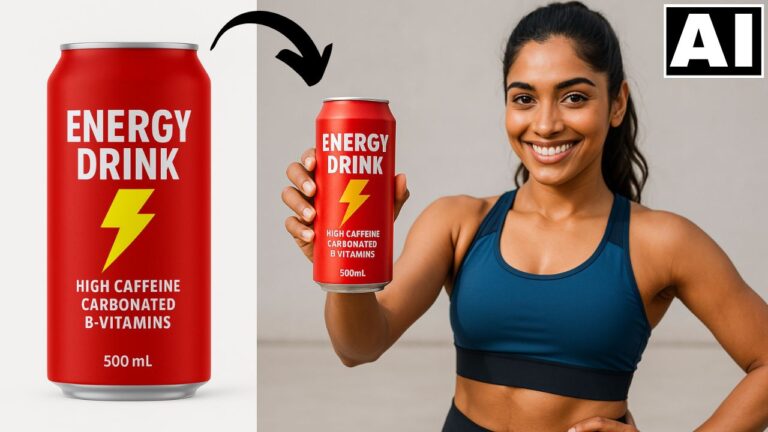
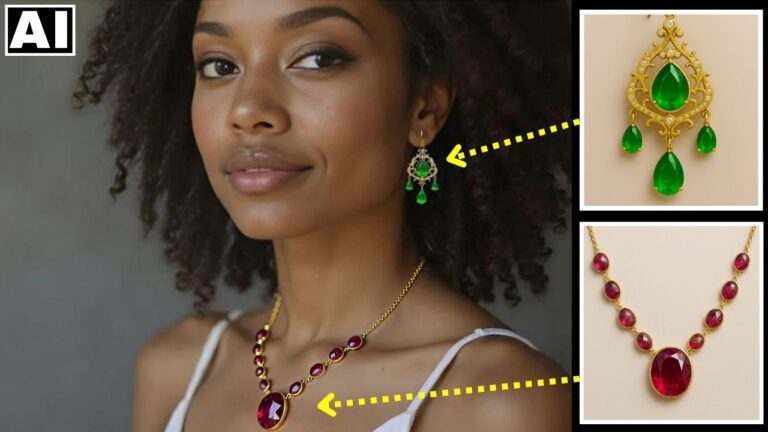
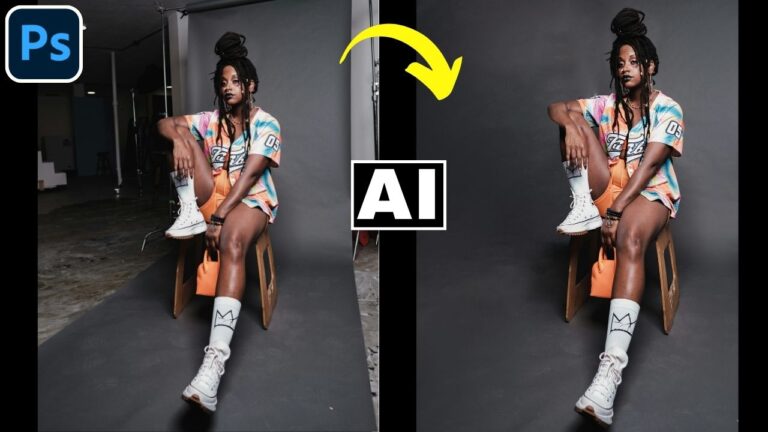
Wondering if MidJourney offers image-to-image generation? The answer is YES! In this video, we’ll explore how you can use MidJourney to transform your existing images into stunning AI-generated artwork. Whether you want to enhance details, apply creative styles, or completely reimagine your image, MidJourney’s image-to-image feature has you covered. Stay tuned as we break down the steps to upload your image, customize prompts, and unlock endless creative possibilities with this powerful AI tool!
This video is from our Midjourney AI for Beginners Course.
Video Summary
In this tutorial, the creator explains how to use the /imagine command in Midjourney as a more powerful alternative to the /blend function. By using image URLs as references within a standard prompt, users can achieve greater control over the final output. Unlike the blend function, which simply mashes images together, the /imagine method allows for the inclusion of text prompts and parameters, enabling users to modify specific details like clothing color, character poses, or adding/removing elements while still maintaining the likeness of the reference photo.
Time Stamps
- 0:15 – The key advantage: Using
/imaginefor image-to-image generation allows for text descriptors. - 0:40 – Generating a URL: How to get an image link by opening it in a browser or right-clicking a Discord upload.
- 1:25 – Discord Upload Trick: How to upload a local file to Discord to generate a usable reference URL.
- 2:20 – Basic Prompting: Pasting the URL into the
/imagineprompt followed by a text description (e.g., “Egyptian princess”). - 2:57 – Pro Tip: Avoiding “filler words” like “turn into” to keep prompts concise and effective.
- 4:04 – Simulating Blend: Combining two image URLs within the
/imaginecommand to create a “mashup.” - 5:10 – Limitations of the blend function vs. the flexibility of text modification in
/imagine. - 6:48 – Negative Prompting: Attempting to use the
--noparameter (e.g.,--no fingers) to fix AI artifacts. - 7:35 – Detail Control: Using text to override image elements, such as specifying “no white” to keep a dress black like the original reference.
- 8:18 – Introduction to the next topic: The Image Weight (
--iw) parameter.