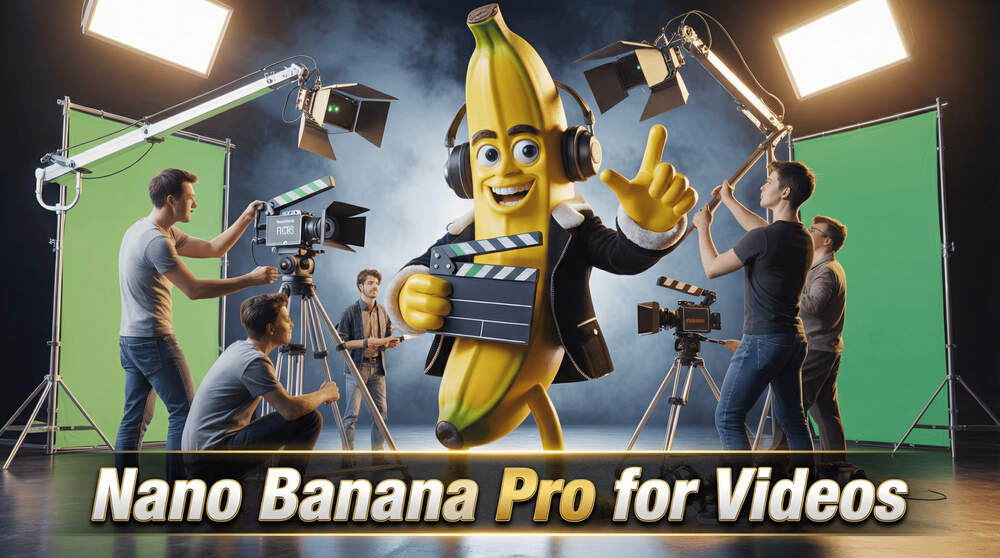
Nano Banana PRO for Creating Videos & Commercials – 4 Methods!
In this tutorial we will be seeing how to use the all new Nano Banana Pro (Gemini 3 Pro) for creating AI video and commercials using different platforms like Sora 2, Veo 3.1 and Kling 2.5 (Start Frame and End Frame). Nano Banana is great at creating images which are tied by context and this makes it very easy to create the diffferent frames for these videos. Here’s the video:
Video Summary
The video “Nano Banana PRO for Creating Videos & Commercials” (published November 2025) demonstrates four methods to create professional video commercials. It highlights the use of Nano Banana Pro (a feature within Google Gemini) for high-quality image generation, paired with video tools like Sora 2 and Cling.
Key Methods:
- Method 1: One-Click Ads (Fastest) Utilizes Higgsfield AI (powered by Sora 2). Users first enhance raw product photos into professional shots using Gemini. These images and a Gemini-generated product description are uploaded to Higgsfield to generate a complete commercial using pre-made templates [02:40].
- Method 2: Start & End Frame Control Best for precise transformations (e.g., a car morphing into a robot). The creator uses Gemini to generate specific “start” and “end” frames for a scene, ensuring context is maintained. These frames are then animated using Kling 2.5 to create smooth, controlled transitions [08:40].
- Method 3: Single Frame & Angle Manipulation Focuses on generating consistent scenes from different angles using Gemini. The video also recommends Qwen AI (via Hugging Face or Higgsfield) to manually rotate camera angles of a static image, which is useful for hiding AI glitches by cutting to new perspectives [13:09].
- Method 4: Manual Storyboarding (Full Control) The traditional filmmaking approach applied to AI. It involves using Gemini to write scripts, create visual storyboards, and generate final high-texture images. These assets are animated in Kling and finished with audio from ElevenLabs and the YouTube Audio Library [19:30].
Important Links:
Link to watch our detailed video on Nano Banana Pro – Click here to watch
Link to Higgsfield AI – Higgsfield AI
Link to download the images used in this tutorial – Images
For other important links to the tools shown in the video, please watch the video on YouTube app/website, since the links are in the description of the video.